How to give a digital GTA game to a PlayStation player
Use the right PlayStation Store credit, account region and edition checks to give a digital GTA present without sharing accounts.
A practical guide from GTA Gift Editorial Team
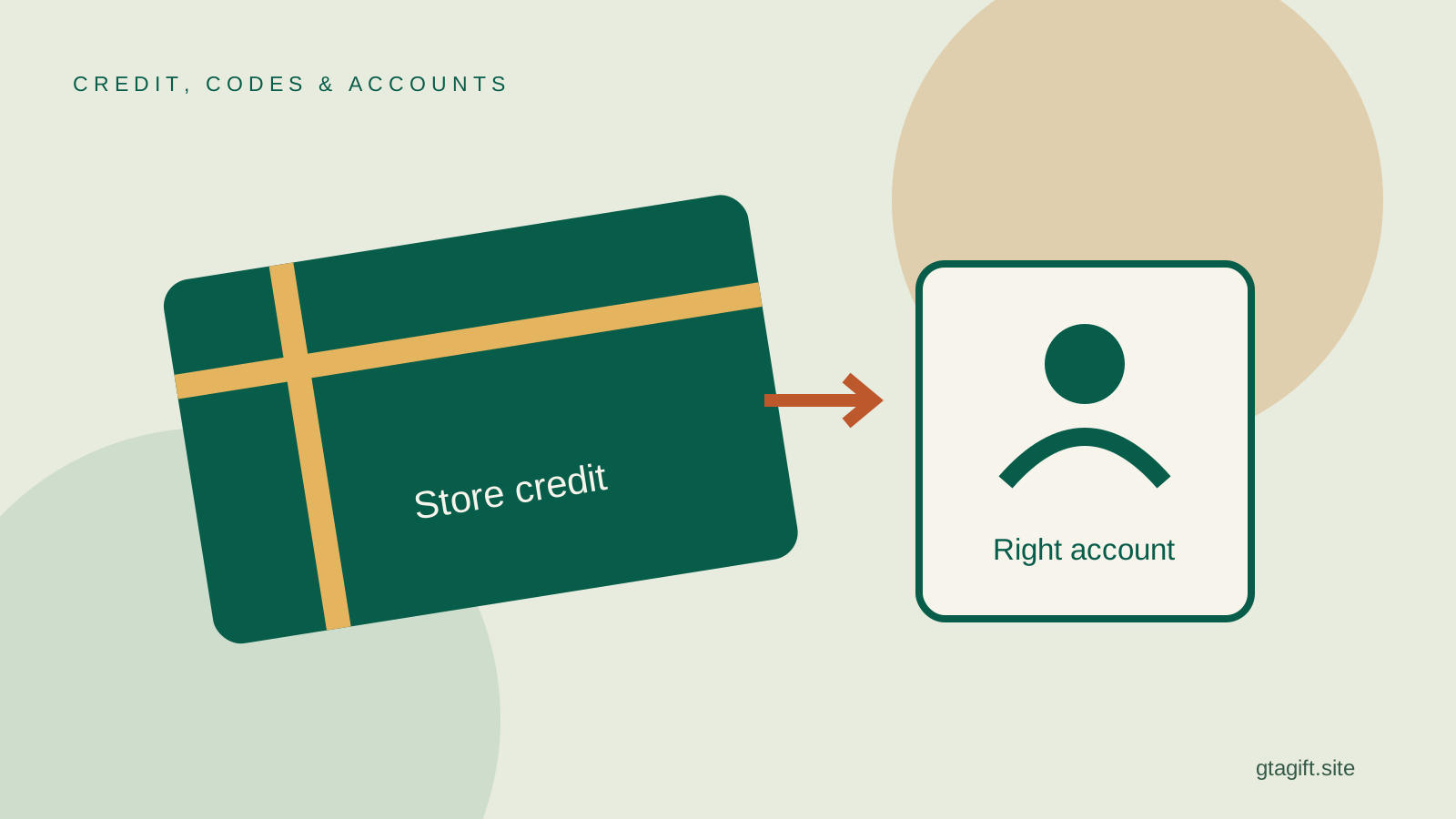
The practical way to help someone buy a digital GTA game on PlayStation is to give PlayStation Store credit that matches their account region, then let them purchase the correct edition on their own account. Do not buy the game on your account and assume it can be moved to theirs afterward.
If you are considering a retailer’s game code instead, check that it is a genuine code for the exact product, supported console and account region. A code, wallet voucher and login to a preloaded account are different things. The last of those is not an ordinary gift to the recipient’s existing library.
Why buying on your own account can go wrong
A normal digital purchase belongs to the account used for the transaction. It is not a wrapped copy waiting to be assigned to someone later. If you buy first and only then ask how to send it, you may have paid for access on the wrong account.
PlayStation’s voucher guidance also explains that redeemed funds and content cannot be moved between accounts. That makes it important to use the recipient’s intended redemption route from the start.
Do not solve this by sharing passwords or giving the recipient an account you created. That changes the gift into an account-management arrangement. A properly matched voucher lets them keep their normal account, purchases and security settings.
Establish the exact PlayStation setup
Ask whether the recipient uses a PS4 or PS5, and whether they buy games digitally. If they own a PS5, ask which GTA version they currently play or want. Newer hardware does not prove that they have selected the native PS5 edition.
This is especially relevant for online play with friends. The intended game version needs to fit the group. A present chosen solely because it has the newest platform label may not be what the player wants to launch.
If you do not know the device, our platform identification guide provides a simple route. For a PS5 without a drive, the digital-console guide explains why a disc is not a direct substitute for a digital purchase.
Ask for the account’s store country
The voucher needs to fit the account region, not merely the country where you happen to buy it. Someone living abroad may use an account created before they moved. Console language is not proof of that account country.
Ask “Which country’s PlayStation Store do you use?” Then read the voucher’s supported region and currency conditions. The retailer accepting your payment does not establish that the code will work for the recipient.
If the country cannot be confirmed, delay the voucher purchase. You can preserve the surprise by asking a trusted family member to check the store country without revealing the amount. Compatibility is a poor place to guess when redeemed balance cannot simply be transferred.
Decide what you are helping them buy
GTA V, GTA Online, Shark Cards and GTA+ are related names with different purposes. A person wanting the single-player story needs a package that includes it. Someone asking for virtual money wants something different from a full game licence.
Wallet credit gives the recipient a choice among eligible store purchases. Sony’s gift-card information describes its use for PlayStation Store content and distinguishes it from PlayStation Direct shopping.
Use a note to explain the intended gift without overstating it. “Toward the GTA edition you want” is accurate when you are giving a contribution. “This unlocks GTA V” is only appropriate when the supplied product actually does that under its listed conditions.
Choose the amount based on a real total
If you want to cover a specific purchase, have the recipient or someone helping check its current checkout total. The selected edition, applicable charges and any existing balance can affect what is needed. A price remembered from a sale is not a dependable budget.
You can also give an amount within your budget without covering the whole purchase. Make that clear in the message. Flexible credit does not have to come with a promise that every related game, add-on or subscription is included.
Do not spend more just to cover products the player has not asked for. They may already own access, have an eligible upgrade or prefer a different edition. Verify what is missing before deciding that a larger balance makes the gift more complete.
Buy the right kind of voucher
Read the full product description and delivery method. A wallet top-up, subscription code and specific game code are separate products even when a retailer groups them under PlayStation gift cards. Select the one that matches your purpose.
Check the seller’s identity and keep the order record. A physical card can require retailer activation; an emailed code can have delivery checks or restrictions. Follow the actual product instructions rather than assuming every code arrives instantly.
Do not expose the full code in a public photo. The recipient should receive it privately and redeem it while signed into the correct account. A picture of the wrapped present should not accidentally give away the balance to whoever sees it first.
Let the recipient make the purchase
They can redeem suitable credit using PlayStation’s current instructions, then choose the intended game on their own account. Let them check the edition, included modes and any existing entitlement before confirming the purchase.
There is no need to log in for them, link accounts or install the game secretly. Those steps can affect their library, storage or chosen version. The recipient is best placed to decide when and where to set up the gift.
If they are giving you the information over a call, ask them to read the product name rather than share their screen unnecessarily. You need the platform and purchase details, not payment information or recovery codes.
If the voucher does not work
Start with the exact error. A mistyped code, an already-redeemed voucher and a region mismatch are different problems. Keep the receipt and product description so the responsible retailer or PlayStation support can investigate.
Sony’s voucher troubleshooting page describes regional and activation issues. Follow the relevant support route without posting the whole code publicly or sending it to an unverified social-media account.
Do not buy a second card immediately to see whether it behaves differently. Establish the cause first. If the wrong region was purchased, redemption attempts do not make it the correct product, and the seller’s policy determines the available remedy.
Make the digital gift feel personal
If several relatives are contributing, choose one clearly identified voucher route rather than mixing wallet credit, subscription codes and currency cards. Different products cannot necessarily be combined for the same purpose. One person should keep the purchase confirmations, while the recipient receives the codes privately and knows which account to use.
A handwritten message can explain that you checked the store country and wanted the recipient to choose the right edition. That is a thoughtful part of the gift, even when there is no game case to wrap.
You can pair the note with a small item based on another known interest, but there is no need to add unrelated gaming accessories just to fill a package. The useful purchase is the credit or compatible code itself.
If the recipient already owns the game, consider our ideas for existing GTA players before buying another digital product. The goal is something they want on the account they already use, with no extra ownership problem attached.
Sources and references
Written by GTA Gift Editorial Team
Suggest a correction