How to give GTA as a Steam gift
Check the recipient, edition, PC requirements and Steam gift restrictions before buying Grand Theft Auto for someone else.
A practical guide from GTA Gift Editorial Team
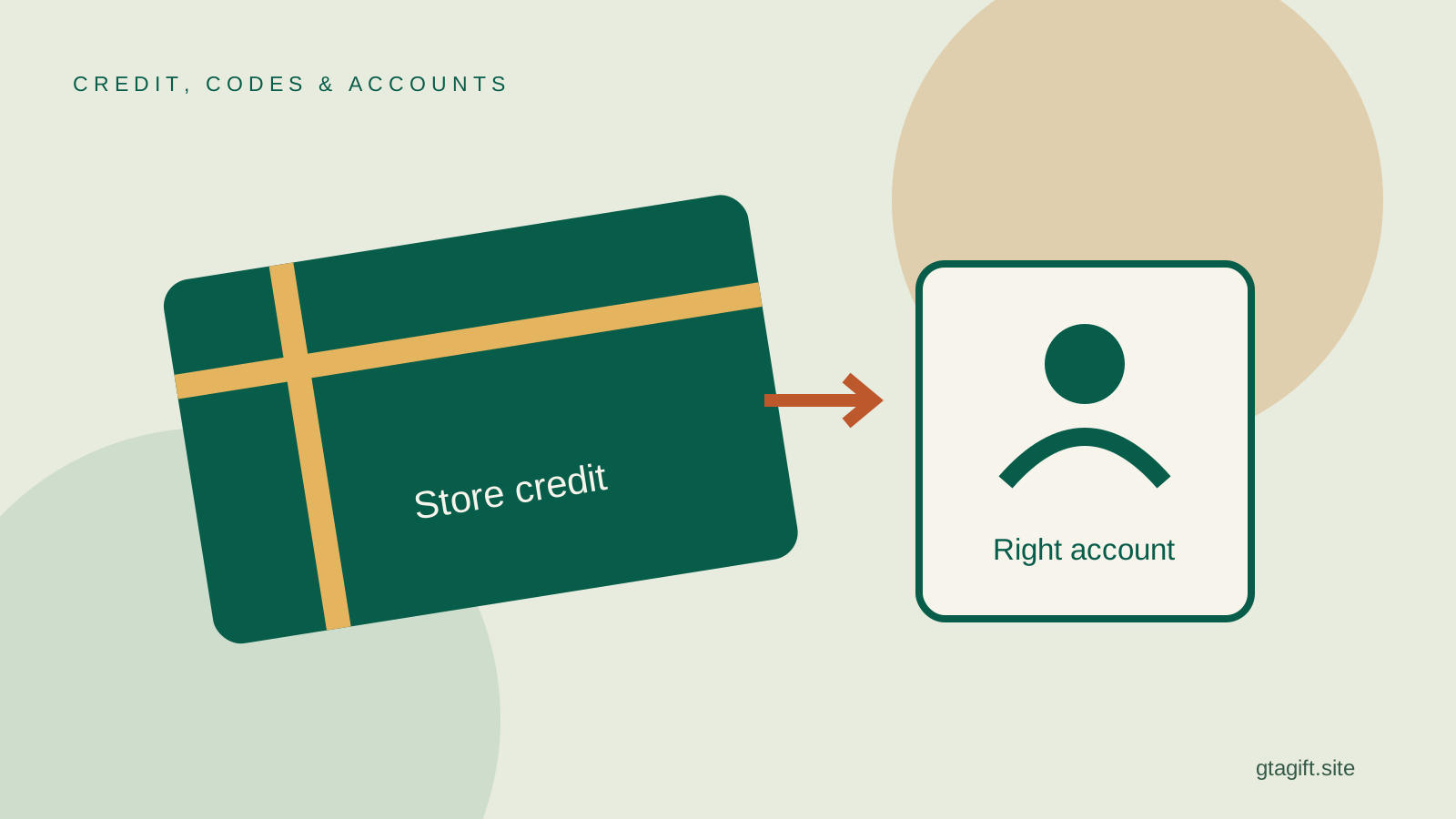
To give a GTA game through Steam, open the correct product in the Steam Store and use its gift-purchase option if available. Select the intended recipient, check any restrictions shown at checkout and pay as a gift. Do not buy it for your own library with the expectation that you can transfer it afterward.
Before starting, confirm three things: the recipient uses Steam for the intended game, their computer meets the edition’s requirements, and they do not already own the same product. If the purchase cannot be gifted, Steam credit may be an alternative under its current rules.
Confirm that Steam is the right destination
A PC player can use Steam, Epic Games Store and Rockstar Games Launcher on the same computer. Having a Steam account does not prove that the person wants another copy there. They may already own GTA through a different storefront.
Ask where they currently launch the game and whether they want the Steam edition. Buying through Steam also does not make the purchase a console game. A person with both a PC and Xbox needs to choose where the present will be used.
If you are unsure, ask them to share the exact store link for the product they want. A store link identifies the edition much more reliably than a phrase such as “the new GTA.” They can send the link without sharing any private account information.
Check the edition before the checkout button
GTA V Legacy and Enhanced are distinct PC versions. The recipient’s hardware, preferences and the version used by friends can affect the choice. Do not assume Enhanced is automatically the right answer for every computer.
The Steam product page for GTA V Enhanced lists requirements and other account or software conditions. Have the recipient compare those with their actual system. A gaming laptop’s marketing name is not enough to establish compatibility.
Also read the package contents. A bundle, an add-on and a complete game can have different gifting rules. The product you select at checkout should be the exact one discussed with the recipient, rather than a similarly named search result.
Use Steam’s gift flow
Steam’s official gift instructions describe choosing the gift option, selecting a recipient and setting delivery. The interface may change, so follow the current labels rather than trying to reproduce a screenshot from an old guide.
Check the recipient’s profile carefully. Display names can be similar, and the account you know from a message may not be the one the person uses for games. Confirm the intended Steam profile before paying.
Where scheduling is offered, choose the appropriate delivery option and check the displayed timing. Do not assume the sender’s local time and the recipient’s local time are identical. If timing is important, use the confirmation shown by the actual purchase flow.
An existing copy is a real stopping point
Steam can prevent gifting the same game to an account that already owns it. That is a useful protection against duplication, not a problem to bypass by sending another account or an unrelated key.
If the recipient appears unavailable, ask what they already own. A private profile may hide their library from you, and a different product package can complicate what is visible. The recipient can confirm ownership without making their entire account public.
Steam’s purchasing guidance also explains that duplicate purchases do not generally create an extra transferable copy. Buying for yourself twice is not an alternative gifting method.
Country restrictions can affect a gift
Steam can restrict gifts between purchase regions. The checkout and product details identify applicable restrictions. Your ability to see the game in your own store does not establish that the recipient can accept it in another country.
Read Steam’s region guidance if you are buying internationally. Do not promise that changing the account’s country or using a location workaround will fix an unsupported gift. The supported purchase route should work for the recipient’s real circumstances.
If the gift cannot be sent, stop before paying through a different route. A third-party key may have its own region conditions and a separate refund process. It is not automatically more flexible merely because it is delivered by email.
Understand the role of the Rockstar account
A Steam purchase can still involve Rockstar software or account requirements. Those conditions are part of the game’s setup and are identified on the relevant product page. Steam is the storefront, not a promise that no other account will be involved.
Let the recipient handle account linking and activation. Choosing or linking an account for them can create a problem with the progress they already use. You do not need their passwords to purchase a supported Steam gift.
If they are changing from another storefront or edition, establish whether the gift is intended to replace something or provide a separate copy. Questions about progress and migration should be answered from Rockstar’s current guidance before the player changes anything.
A gift is not an account sale
Avoid sellers who supply a login to an account that already contains the game. That is different from a new purchase delivered to the recipient’s own Steam account. It can create control and recovery problems from the outset.
Valve’s account-ownership guidance says Steam account ownership cannot be transferred and warns about account sales. A legitimate-looking library screenshot does not replace a supported licence purchase.
You should never need the recipient’s recovery codes or email access to give an ordinary game gift. If a seller requires those details, reconsider the purchase. A present should not require surrendering control of an existing account.
When Steam credit makes more sense
Credit can suit a player who wants to choose the game or edition themselves. Use Steam’s official gift-card information to understand the available route and current conditions, rather than assuming every third-party wallet code works everywhere.
Do not confuse Steam credit with an Amazon gift card or a GTA Shark Card. Those products serve different stores or purposes. The recipient should receive the kind of balance they can actually use for the planned purchase.
You can present a contribution toward a game without covering its entire total. A note explaining the intention is enough. Avoid promising a named title if its final price, availability or region conditions have not been confirmed.
Keep the gift recoverable if plans change
If the purchase includes downloadable extras, check that the recipient owns the required base game on the appropriate store. A similar title in another launcher may not satisfy that condition. Read the exact prerequisite in the listing before adding the extra to a gift; otherwise, the recipient could receive content they cannot use without another purchase.
Save the purchase confirmation and use Steam’s gift history or support tools for the transaction. If the recipient cannot accept the gift, record the reason before trying repeated purchases. A restriction is not fixed by buying the same product several times.
Refund eligibility depends on the transaction and current policy. Steam’s refund page explains the treatment of gifts, including the recipient’s role after redemption. Read it for the actual situation rather than assuming a refund is automatic.
Once the gift arrives, let the player redeem it on their own account and manage installation. A short message naming the intended game and occasion is all the personal touch needed. The careful work is matching the store, edition, hardware and recipient before checkout.
Sources and references
Written by GTA Gift Editorial Team
Suggest a correction