Buying a GTA gift for Xbox Series S: avoid the disc mistake
Choose a compatible digital GTA gift for Xbox Series S, with clear checks for editions, store credit and account country.
A practical guide from GTA Gift Editorial Team
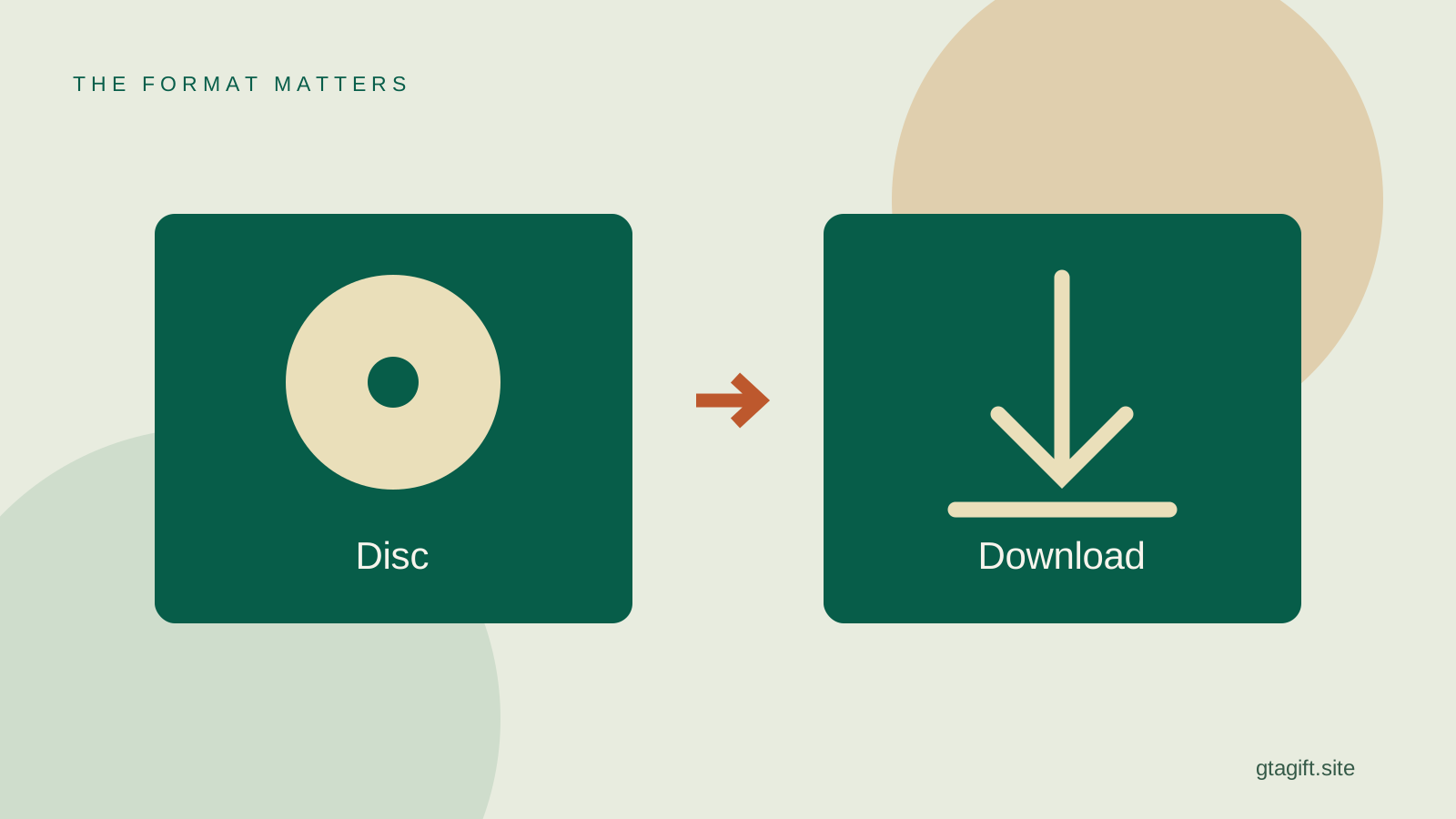
Xbox Series S has no disc drive, so buy a compatible digital game, suitable store credit or a wanted accessory. Do not buy a GTA disc for direct use in the console. A box is only suitable when its actual contents provide a supported digital code, with the right edition and region.
Before spending, confirm that the recipient really has an Xbox Series S rather than an Xbox One S. The names sound similar, but they identify different console generations. Then ask which GTA version the person uses or wants, especially if the gift is intended for playing with friends.
Why the missing disc drive changes the gift
A game disc needs a device that can read it. The Series S is an all-digital console, as Microsoft’s product information explains. A low price on a used disc does not change the hardware needed to use that disc.
This does not mean you cannot give a present that can be wrapped. A voucher or a personal card can be tangible while the game is digital. The important distinction is between a physical presentation and the licence that lets the player access the game.
Do not assume a generic external USB drive will turn the console into a disc-playing model. If any listing claims a conversion or special entitlement, verify the exact supported program with Microsoft before relying on it. The straightforward gift route is a supported digital purchase for the existing setup.
Confirm the model without spoiling the occasion
Ask for the exact console name from an order confirmation or original packaging. If a family member is checking on your behalf, ask them to read the words rather than summarize the color. Xbox models come in different colors and storage sizes.
The Xbox console overview distinguishes Series S and the different Series X options. It also shows why broad statements such as “the white Xbox is digital” are not a dependable buying method.
You do not need the owner’s password or unique serial number. The model name is enough for the first compatibility check. Our platform guide covers the remaining information you need for games, credit and accessories.
Choose the intended GTA edition
A product labelled Xbox One is not automatically the same purchase as a product specifically intended for Xbox Series X|S. Read the supported devices and edition contents on the current store page. Some listings bundle versions; others sell a particular version.
Ask what the player wants to do. Someone joining friends needs the version their group actually uses. Someone who wants the story needs a package that includes it. Someone already playing GTA Online may not need another licence at all.
Do not infer the answer from the console generation alone. A player can have a reason for keeping an older edition installed. Buying a newer-sounding version without checking can create an unwanted change rather than improve the gift.
Use the actual Xbox gifting option
For eligible digital products, Xbox offers a purchase-as-gift route. Microsoft’s gifting instructions describe selecting the gift option and choosing a recipient or email address. Use that flow rather than purchasing for your own account.
Check the recipient’s address carefully. An email typo is easy to make when arranging a surprise, and gift delivery should not depend on guessing which address is connected to their gaming account. Ask them or use a confirmed contact.
The availability of a gift option depends on the product. If it is absent, do not assume a normal purchase will become transferable later. Choose another supported route, such as suitable store credit, after checking its conditions.
Country matters for digital gifts
Microsoft’s gifting guidance says the recipient should be in the same country as the sender. That condition makes an international surprise more complicated than an ordinary domestic gift. A product being visible in your store does not prove it can be redeemed abroad.
Confirm the relevant country before paying. A person’s current address, account settings and the country named on a code can be different details. Read the terms for the precise product and gifting route rather than treating all Xbox-related codes as equivalent.
If the standard flow does not support the recipient, pick a locally appropriate supported present. Do not make a location workaround part of the gift. The goal is a purchase the player can accept normally on the account they already use.
When store credit is the better choice
Credit can be useful if the player knows which version they need but you do not. It lets them select the correct product themselves. It can also contribute to a larger purchase without pretending your budget covers a particular game’s full checkout total.
However, store credit is still a specific product. Read its country, currency and redemption conditions. It is not the same as GTA Online currency, a recurring subscription or a full-game activation code.
Explain the intention in a personal note: “For the version of GTA you want on your Xbox.” That is clearer than presenting a general voucher as if it already owns a named game. The recipient can then choose the right edition or tell you they would prefer something else.
Do not confuse Shark Cards with game access
A Shark Card adds GTA$ for GTA Online. It does not supply the same thing as a full game purchase. It is useful only when the recipient wants that currency and the product matches their platform and version.
Ask whether in-game money is something they enjoy receiving. Some players prefer earning it through play, and others might be more interested in another game. An official-looking GTA logo does not establish that the card is the right kind of present.
Our gift-card comparison separates wallet credit, GTA Online money and game licences. That distinction is especially helpful when a retailer places all three in similar search results.
Consider a compatible accessory
A controller can make sense when a current one is worn or the recipient wants a spare. Check supported Xbox models, included power options and whether any cable or battery pack is supplied. Do not assume the product contains everything pictured beside it.
Storage requires more care. A drive that stores game files is not automatically a device from which every optimized game can run. Use Microsoft’s current storage guidance for the exact purpose before buying an expansion product.
A headset also needs platform support, particularly for wireless use and microphone operation. The words “gaming headset” alone do not confirm it works with this console. If the player is particular about fit or sound, letting them choose can be the better gift.
Before you confirm the order
Check these details in the product description: Xbox Series S compatibility, digital format, the right game edition, region conditions and the seller’s identity. For a code, preserve the order confirmation and keep the unused code private.
If a product arrives as a disc when it was advertised as a digital code, stop before opening it and contact the seller with the order details. If a code fails, record the exact error and use the appropriate store support route. Never post the complete code in a public question.
The simplest good choice is a wanted digital product that fits the recipient’s existing setup. You can make the packaging personal, but the compatibility work is what makes the present usable when it is opened.
Sources and references
Written by GTA Gift Editorial Team
Suggest a correction